Handle incoming requests
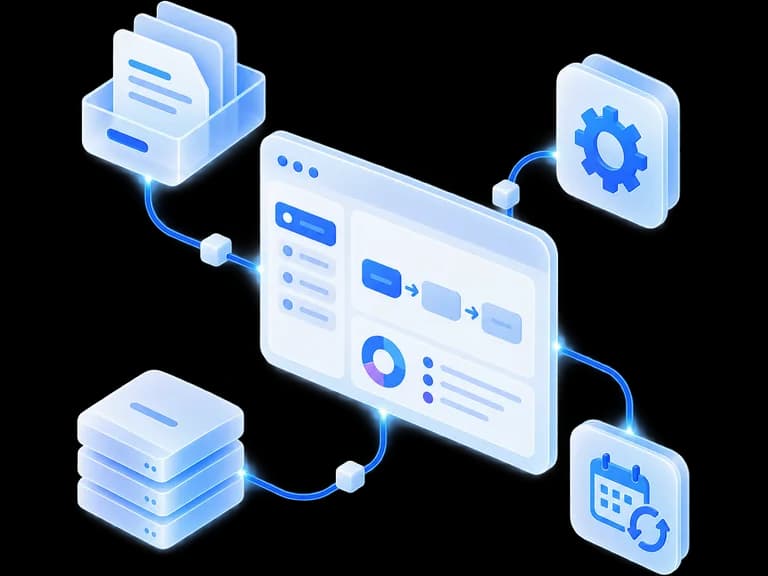
The agent reads the request, checks your data, drafts a reply and hands special cases to your team.
- Message
- CRM
- Reply
- Approval
Automate the tasks that slow your teams down with AI agents connected to your tools, designed around your processes and your data. You keep control of sensitive actions.
30 minutes · No commitment
Not sure where to start? Take the self-diagnostic


Hello, could you send me the quote for the current file?
09:42
Here's the matching quote. Would you like me to send it to the client?
09:43
Email, CRM, API: the agent acts where your teams already work.
A binding action can require human approval before it goes out.
The agent reaches only what the task needs, under the rights defined.
Local, hybrid or cloud, depending on your constraints and the data processed.
Start with a task that repeats, comes up often, and can be observed. The agent uses your tools and passes sensitive decisions to your team.
The agent reads the request, checks your data, drafts a reply and hands special cases to your team.
Invoices, contracts, forms: it extracts the information, files it and sends it on to your tools.
Enriching records, summarising exchanges and preparing the next action.
The agent gathers the missing information, puts together a first file and submits it for approval before anything is sent.
Information gathered at regular intervals, then a summary you can use where you already read it.
Both speak the same language. Only one of them opens your tools, works through the steps and hands back control at the right moment.
It produces a reply. Nothing moves in your tools, and nothing gets done once the exchange ends.
It uses your tools to carry out a task. Its autonomy is not total: you define what it can read, change or run, and what goes through you.
Not everything needs AI. If a plain automation is enough, we tell you.
You can come with a clear process or just a problem. We work out the right starting point with you.
To automate a process you've already identified.
We design and build an agent that can use your tools, your data and your business rules. No-code stays one option among others: we pick what the task needs, not what sells best.
To find out what to automate first.
Process analysis, feasibility, data required, risks and expected value. In a group session or a scoping workshop, whichever suits your teams.
Discover the auditTo make your teams genuinely self-sufficient.
Adoption doesn't follow deployment on its own: business use cases, best practices, confidentiality and hands-on training on the tools chosen.
Discover our trainingAn agent that acts inside your tools raises four questions before any other: where the data goes, what it can reach, who decides, and how you check afterwards.
You choose where it moves.
Cloud, hybrid or local architecture, depending on the need, the data processed and your constraints.
It reaches only what the task needs.
Tool connections can be set up on the principle of least privilege.
Sensitive decisions stay human.
A message sent, an important change or a binding action can require your sign-off.
You know what it did.
Actions can be logged, so the behaviour can be understood and checked afterwards.
Each step sets the scope of the next one, and any step can conclude there's no reason to continue. You always know where the project stands.
An architecture that doesn't depend on a single model.
Law, accounting, real estate: the constraints change from one trade to the next, and so do the agents.
Sensitive documents, research that needs sourcing, checks and filings that require approval.
Non-clinical administrative and document tasks, with hosting and controls defined with you.
Reporting, internal requests, document processing and high-volume recurring processes.
Not sure where to start?
Describe it in one sentence. Six questions later, you'll know if an agent can take it on, and where to start.
Our latest articles. Enough to form a view without talking to us.
 AI in Business
Scope, data, recurring costs, acceptance testing, reversibility: the blocks an AI agent quote must contain, and the details to check before you sign.
 AI in Business
A serious AI provider is defined first by what it refuses to promise. Twelve concrete signals you can spot in a meeting, a demo and a quoted proposal.
 AI in Business
Freelancer, specialist AI agency or large IT firm: the model you pick changes the real cost, the dependency and the speed of a first AI project in an SME.
 AI in Business
A fast reply does not mean a delivered system. The questions to ask about scope, data, running costs and the contract before you sign.
 AI in business
The 6 steps for integrating AI into an SME: frame the need, protect the data, test locally, and train the team while keeping control of the project.
 AI in business
Buy a ready-made AI assistant or build a custom one? A decision guide for SMBs and independent professionals, based on data, budget, and processes.
Cost, timeline, data, mistakes: the six answers we give most often at the first conversation.
Tell us about a repetitive task or a process you'd like to improve. In thirty minutes, we'll look together at what an agent could genuinely take on — and what should stay human.
Calendar not showing up?
Open Cal.com in a new tab